Hit the Road Dude
You. Your cat. That unmistakable exit. Turn one photo into a Hit the Road Dude AI video, with the original scene, gestures and audio.
Your character. Your exit.
Upload a person or pet. Replace the entire visible main character, including their face, hair, clothing and body—or the whole animal—while keeping the original scene and gestures.
You can choose a photo while we check. Nothing is uploaded yet.
Preview your photo here. Selecting photos does not upload them or use credits.
How it works
How to Make a Hit the Road Dude AI Video
The reference is already set. Bring the person or pet who should star in it.
Choose your star. Keep the scene.
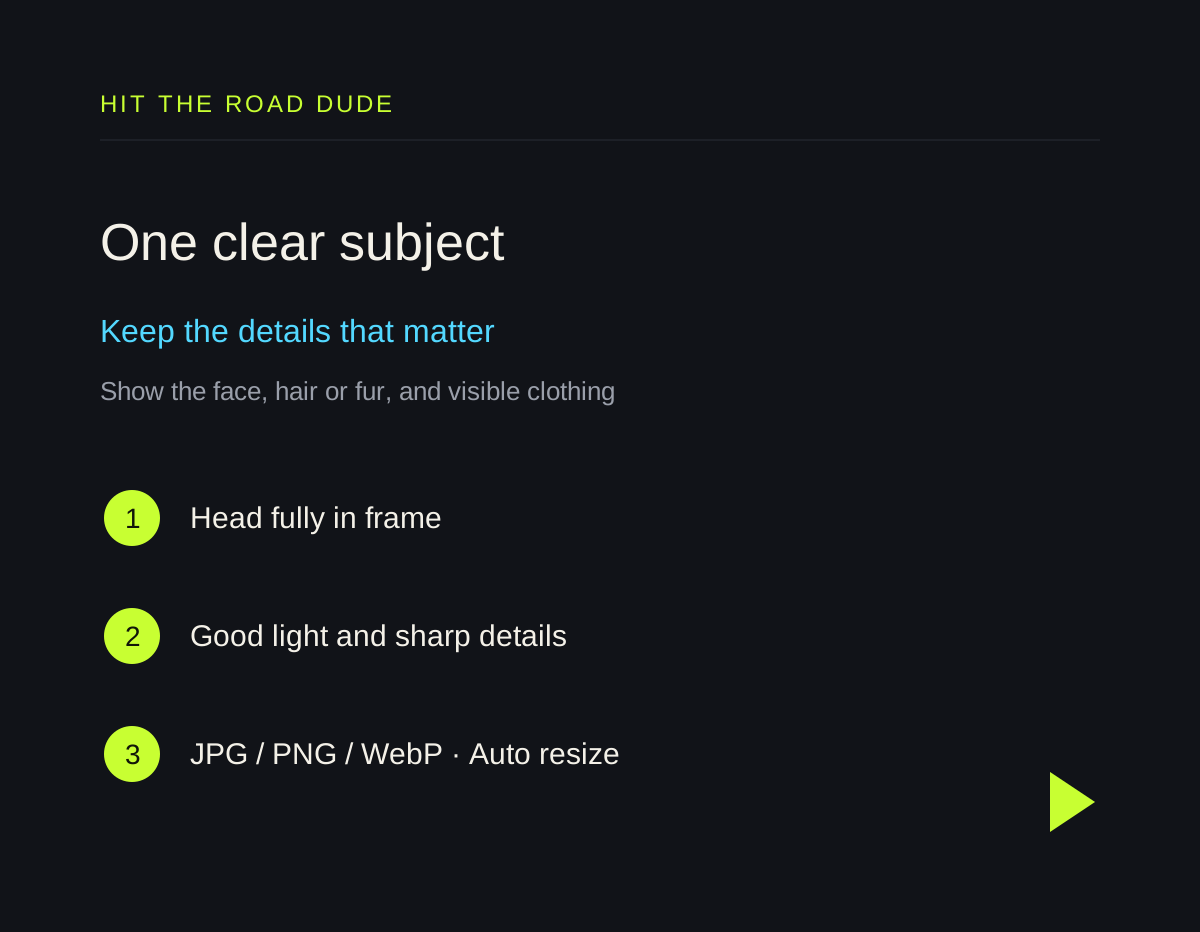
A clear head-and-upper-body photo gives the tool the face, hair, clothing or fur to work with. You can preview your photo before signing in.
1. Add one photo
Use a JPG, PNG or WebP. Large photos are resized automatically. Choose a single person or animal, with their features clearly visible.
2. Create your clip
Sign in and submit for 10 credits. The main character changes while the reference supplies the motion and setting.
3. Download and share
Find the 13-second, 720p vertical MP4 in My videos. It stays in your account until you delete it.
Hit the Road Dude AI Pricing
Every video costs 10 credits. Pick a one-time pack; unused credits never expire.
10 credits per video. Prices are in USD; any applicable tax appears at checkout. Credits never expire. Finished videos are saved permanently until you delete them. Purchases are not open yet; no payment is taken.
Made for this moment
Your subject, in the original scene
A single reference keeps the setup simple. Your uploaded photo supplies the details that make the character yours.
More than a different face
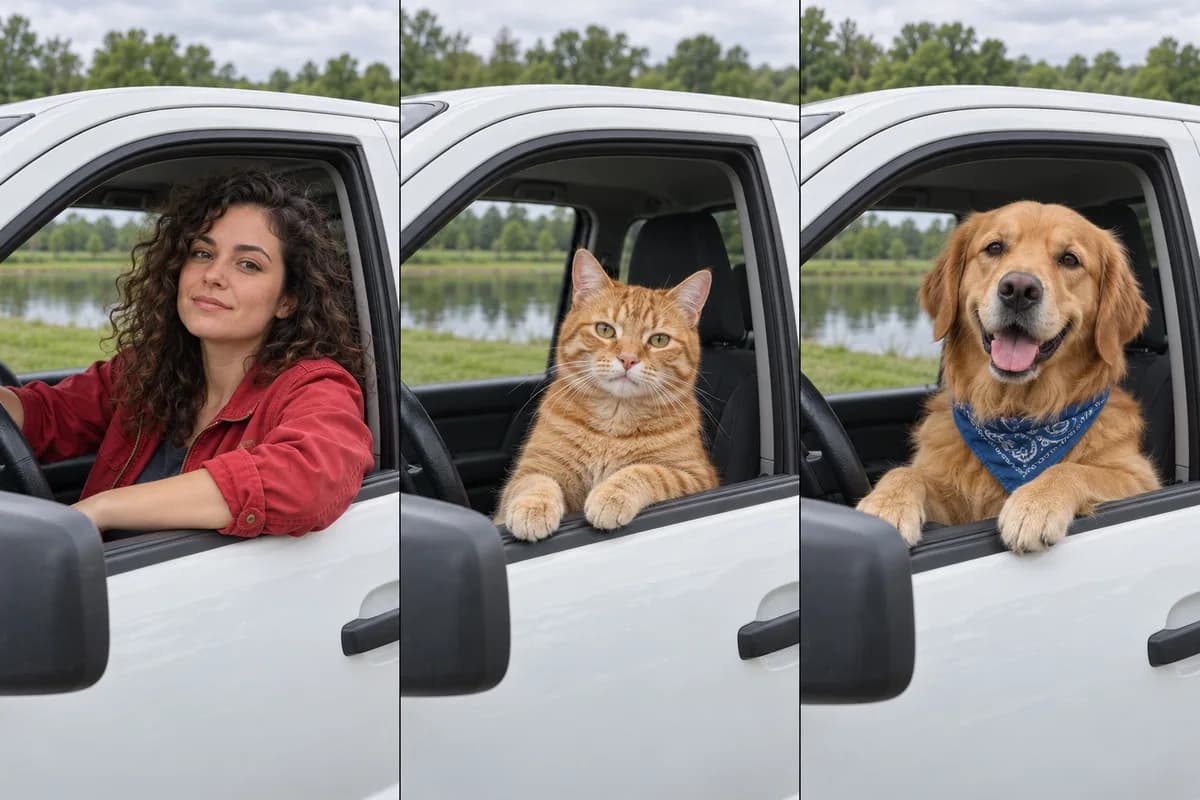
The replacement includes visible hair, clothing and body details. For animals, it follows fur, markings and natural anatomy. AI output can vary, so review your clip before sharing.
Before you create
Hit the Road Dude AI FAQ
What is Hit the Road Dude?
It is the dismissive line from the viral “Lock Em Up / State Property” exchange. This tool uses the short driving-scene excerpt as a reference for a personalized video.
Does this replace the whole character or just the face?
The tool replaces the entire visible main character, including their face, hair, clothing and body details, or the whole animal. The reference guides the scene, camera and gestures. AI results may vary; exact likeness, anatomy and every movement are not guaranteed.
Can I use a cat or dog photo?
Yes. Animal photos are accepted directly. Show one animal clearly, including its head and upper body. The replacement is intended to keep its species, fur and natural paws.
How long is the video?
Each output is a 13-second vertical MP4 at 720p. It uses the original 12.6-second audio, with a short silent tail.
Does it include “Lock em up”?
No. That line belongs to a later part of the source exchange. This template ends after the private-property response. Read the Lock Em Up guide if you want that reaction or GIF.
Which photos work best?
Choose one well-lit subject without heavy blur or a blocked face. Keep hair, ears and visible clothing in frame. Use JPG, PNG or WebP; large photos are resized and compressed before upload.
How much does a video cost?
Each video uses 10 credits. Packs are Starter USD 4.90, Plus USD 9.90, Pro USD 19.90. Starter includes 20 credits, Plus 50 and Pro 120. Credits never expire; no subscription is required.
What happens if generation fails?
Credits are reserved when the task is accepted and charged only after the final video is saved. A confirmed failure releases them. If a submission cannot be confirmed, it stays under review so the tool does not submit and charge twice.
How long are my files kept?
Uploads and derived files expire after seven days. Finished videos are private and saved permanently until you delete them. You can download or delete them from your account.
Are the examples real videos made by this website?
Every card in the examples section plays a real video. The first, featuring a woman in a red jacket, was generated with this website’s workflow. The other five are external examples; their corner source icons open the original publishers. External clips are not results from this service or a guarantee of the same output. The original reference is shown separately above the examples.
Is Hit the Road Dude AI free to try?
You can select and preview a photo on your device for free, without signing in or uploading it. Preview does not create a video. Video generation requires an account and 10 available credits per accepted task; there is no free video generation.
How long does generation take, and can I close the page?
Allow several minutes for AI processing and final audio preparation. Queue length and processing time vary, so we do not promise a fixed completion time. Once your request is accepted, you can close the page and return to My videos. If a task stays pending or under review, check its status instead of submitting the same request again.
Do I need an account to make or download a video?
No account is needed for the local photo preview. Sign in with Google or a verified email account to use your credits, submit a video and access your private results in My videos.
Can I use it on my phone without installing an app?
Yes. Use the website in a modern mobile or desktop browser. Choose a photo from your device, sign in, create the clip and download the MP4. No separate app or editing software is required.
Can I upload a different reference or change the length and format?
This version uses one fixed Hit the Road Dude reference. It produces a 13-second, 720 × 1280 vertical MP4 with the original reference audio. Custom reference uploads, horizontal output, different durations and replacement audio are not available in this creator.
Can I put multiple people or pets in one video?
This template replaces one main character from one input photo. Choose one person or one animal. Group photos, multiple-character replacement and combining separate uploads are not supported.
Will the downloaded video have a watermark?
We do not add a website logo or watermark when preparing your finished MP4. AI output may still contain visual artifacts, lettering or marks from the generated scene; we do not guarantee that every frame will be free of them.
Can I post the video on social media or use it commercially?
You can download the result, but paying for generation does not grant rights to the original footage, voices, audio or another person’s likeness. Before posting or using a video commercially, make sure you have the necessary permissions and follow the destination platform’s rules. See the Terms of Service for the full conditions.
What if I dislike a completed video or need a refund?
A confirmed generation failure releases the reserved credits. A completed video that differs from your expectations does not automatically qualify for a refund. For an unusable result, duplicate charge or unused-pack refund request, email support@aihittheroaddude.org with your task or order reference. We review requests under our terms and applicable consumer rights; never send card numbers or passwords.
Can I buy credits now?
New credit purchases are not open yet while payment launch checks are being completed. The displayed packs show the planned prices; disabled purchase buttons do not take payment. Free photo previews are available, and existing account holders can sign in to use available credits when generation is enabled.
Create Your Hit the Road Dude Video
Choose a clear photo of yourself or your pet. The scene is ready.